 Add to Chrome
Coming
Dancing Taco 3.0
Follow What’s New for release notes and recent updates.
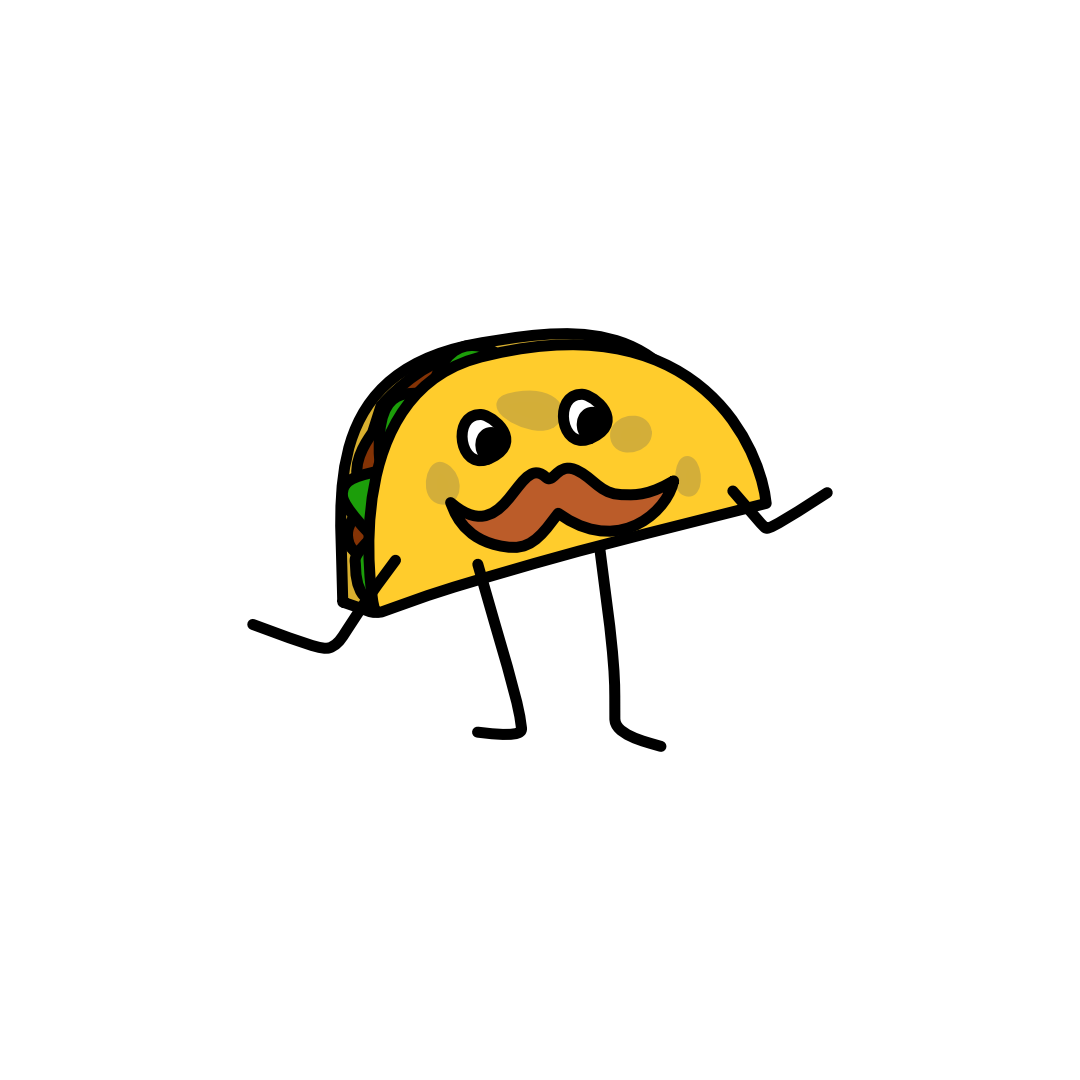
Look in the bottom-right corner of this tab. That’s where Carlos dances by default.
Open Chrome’s Extensions menu and select Dancing Taco. Pin it for quick access from the toolbar.
Move Carlos to any of the four corners from the extension’s settings.
Use the size slider to make Carlos bigger or smaller.
Turn off the Enabled switch to hide him, then switch it back on when you want him around again.
Coming
Follow What’s New for release notes and recent updates.